
AI feedback on every technique
Film yourself doing a technique and upload the video. The AI puts it next to the SAMI instructor’s video and tells you what to improve.
- 1–5Score
- 5Criteria
- 3Concrete tips
- 2 minVideo, at most
Three steps to your feedback
Open a technique
Below every technique and exercise video you can open – in the app and in the browser.
Film yourself
Up to two minutes, recorded on your phone or picked from your gallery.
Get your feedback
Usually within a few minutes. You get a push notification as soon as it’s ready.
What a result looks like
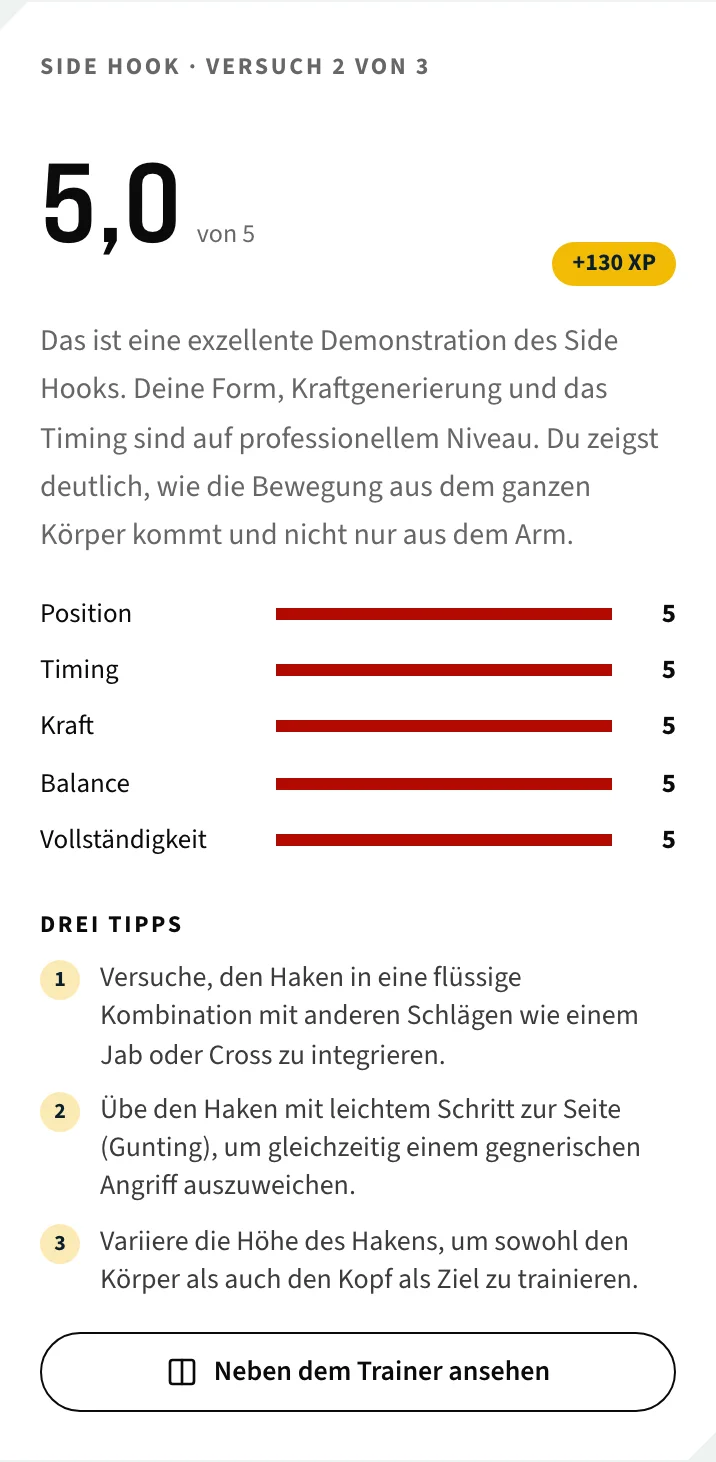
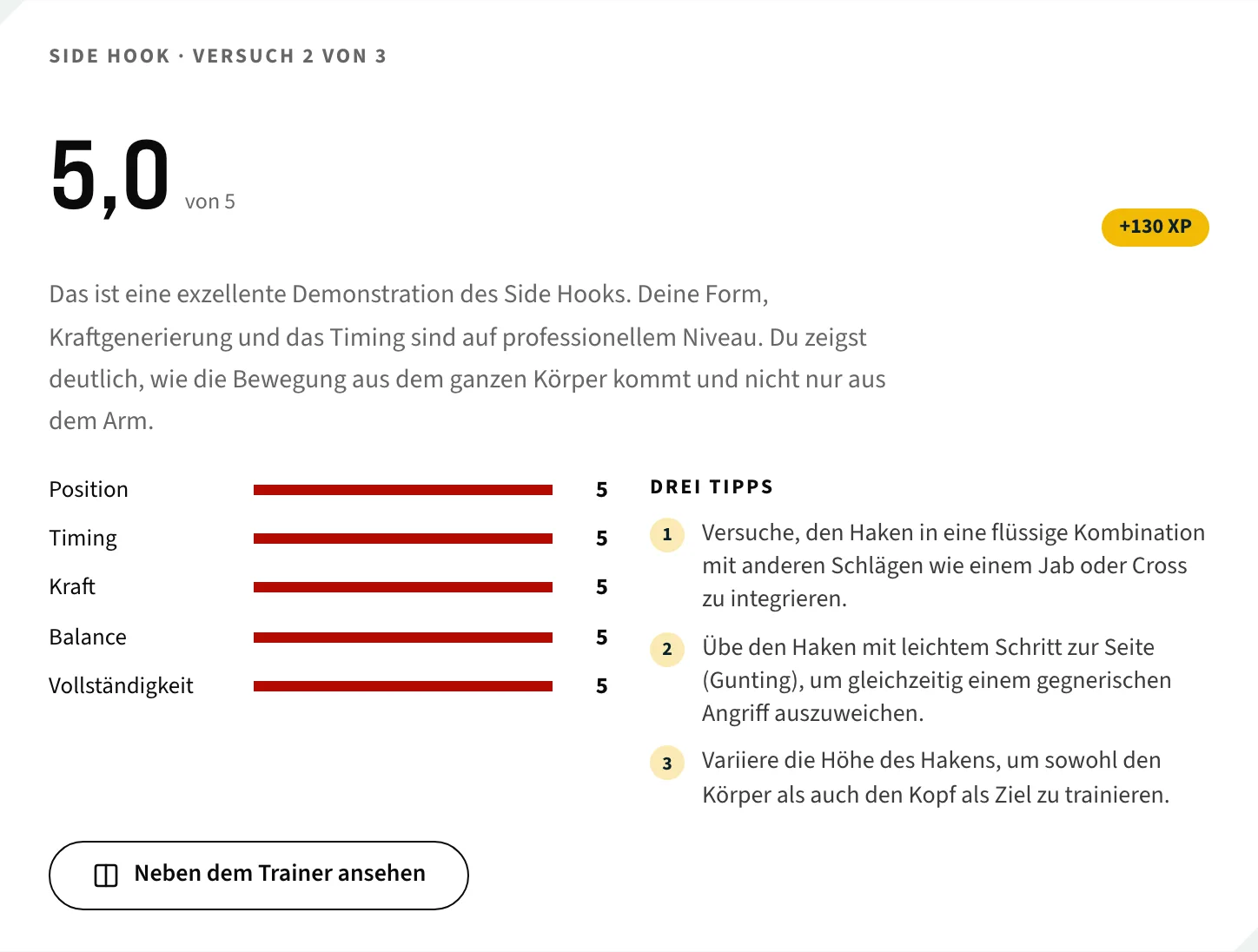
A real rating from October 2026: the Side Hook, second attempt. You get the same view for your own video.
- A score from 1 to 5
- Five criteria: position, timing, power, balance, completeness
- Three concrete tips for your next attempt
- Your video next to the instructor’s video
- Position
- Timing
- Power
- Balance
- Completeness
AI feedback is for practice and doesn’t count towards the exam.
Instructor in the course, AI on every technique
Instructor feedback
- Who assesses
- A SAMI instructor
- Where
- Assignments in the online course
- Result
- Approved or try again, with written or audio feedback
- Counts for
- Your certification
- Included
- With the course or exam fee
AI feedback
- Who assesses
- AI (Google Gemini), compared with the instructor’s video
- Where
- Every technique and exercise video you can open – in the app and in the browser
- Result
- Score, five criteria, three tips
- Counts for
- Practice only, not the exam
- Included
- With any membership; one free feedback to try
Who can use it
You can have every technique rated that you can open. Which ones those are depends on your membership.
- SAMI International
- Single Membership
- Full Membership
Your video is stored privately and rated by Google Gemini in a data center in the EU. Only you and the SAMI team can see it.
How long does it take?
Usually a few minutes. You don’t have to wait: you get a push notification as soon as the feedback is ready.
Does AI feedback count towards my exam?
No, it’s for practice. Assignments in the online course and the exam are always assessed by a SAMI instructor.
How long can my video be?
Up to two minutes. Film the whole technique, ideally from the side, 2–3 m away, with your whole body in the picture.
How often can I submit a technique?
With a membership up to three times per technique, with no monthly limit. Without a membership you get one feedback to try. Unclear or technically failed ratings don’t count.
Who sees my video?
Only you and the SAMI team. It is rated by Google Gemini in a data center in the EU. You can delete it at any time.
Does it work in the browser too?
Yes. Below every technique and exercise video you can open, in the browser and in the app. In the programs, the AI check is also part of the week.
Try it with a technique
One feedback is free, no credit card.